AVG Internet Security is one of the budget-friendly options for users with numerous systems in one household. With a subscription-based license, you can install AVG on multiple household devices running Windows or Android. The price is reasonable considering how much other security suites cost for a limited number of devices.
Shared DNA and interface
Since AVG and Avast merged, you can see how similar they look and perform. They even share the exact same components and malware engine, but unlike the Avast suite, you don't receive a password manager in this suite.
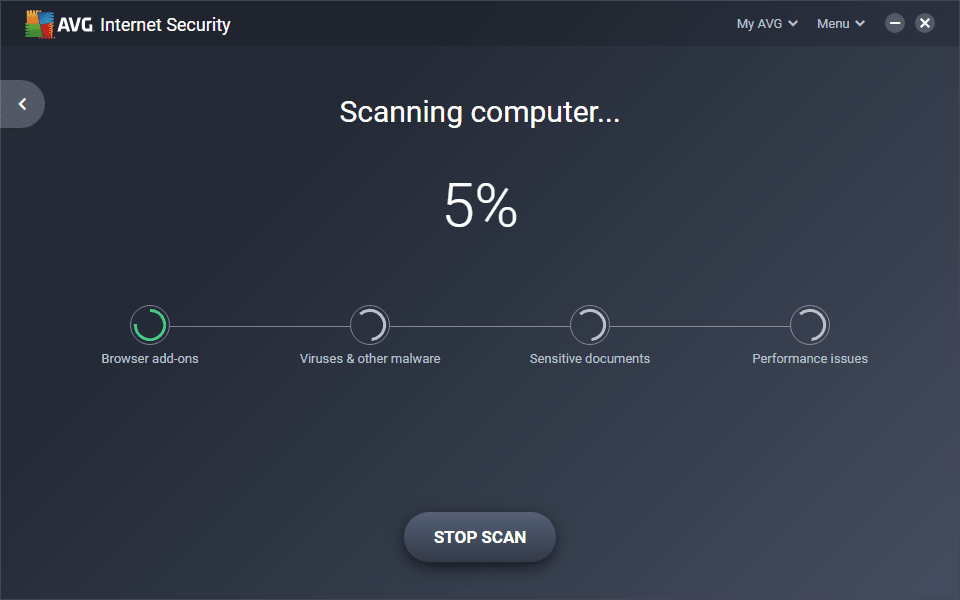
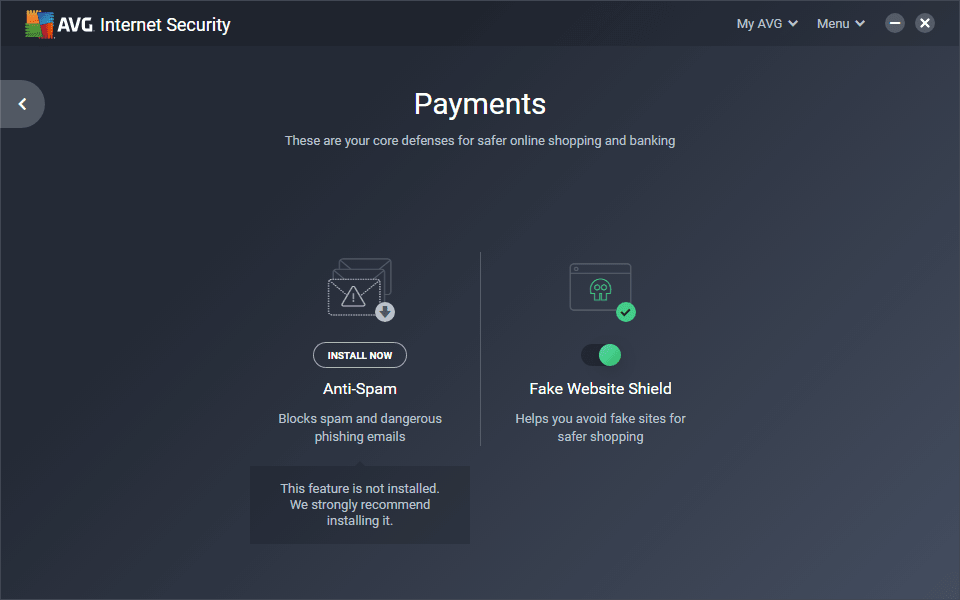
The user interface is quite intuitive. It looks modern with a black background and green text. The buttons on the Dashboard screen include Computer, Web & Email, Hacker Attacks, Privacy and Payments, while the scan options can be accessed by clicking on the gear icon next to the 'Scan computer' button.Customizing your defenses
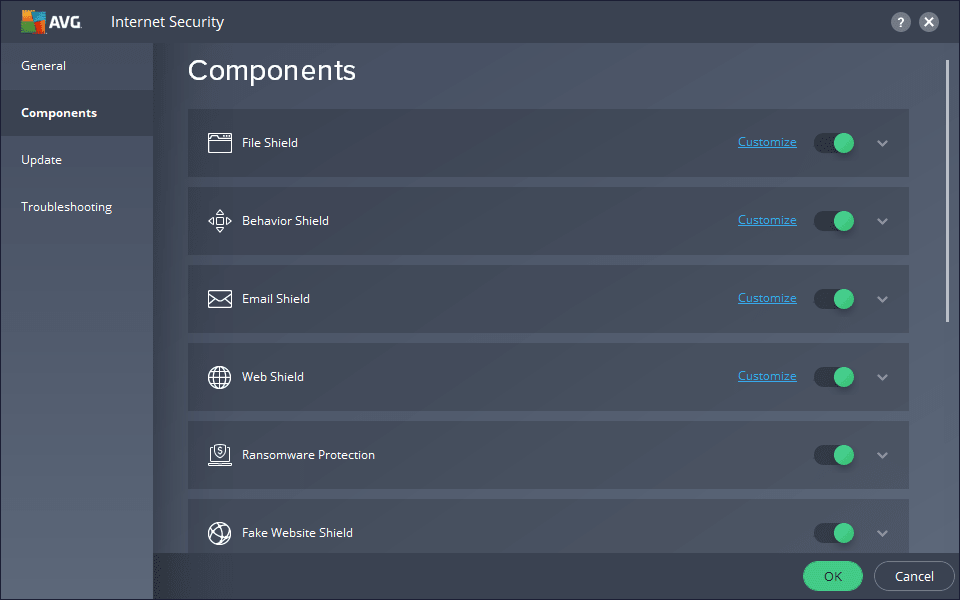
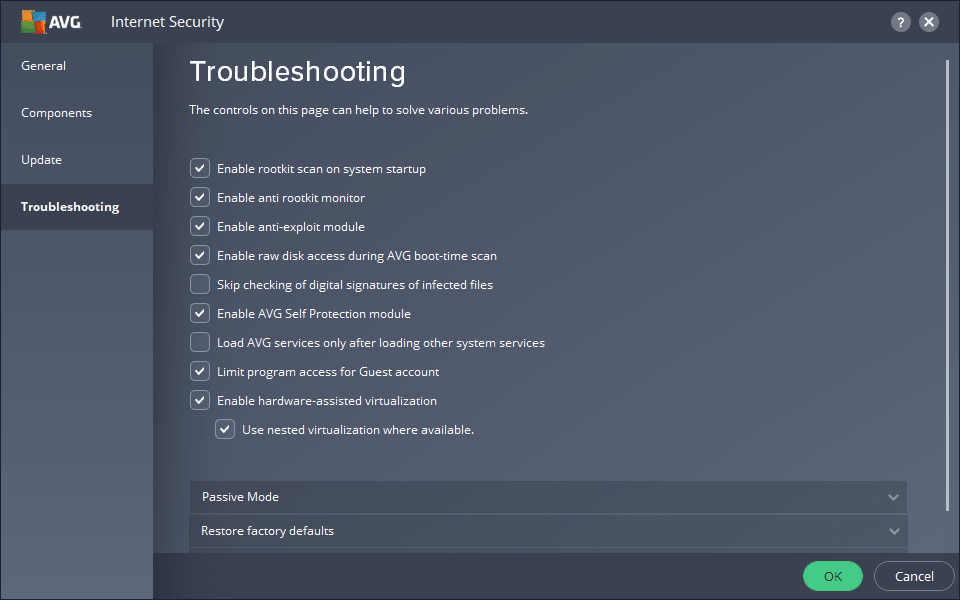
In Settings, the most important part is the Components tab where you can disable, enable or tweak the components of AVG Internet Security. These include File Shield, Email Shield, Web Shield and Ransomware Protection, just to name a few.Lab results and competition
The lab results from independent antivirus testing are consistently strong, and it performs right on par with Avast when it comes to malware recognition and protection due to their shared engine. However, since this is a premium suite, it must be compared to other paid antivirus tools.
When comparing AVG Internet Security to Kaspersky Internet Security and Bitdefender, it's clear to see how it underperforms in some cases. Still, its protection is satisfying enough to be able to protect your computer, if you are a casual user.